Announcements & Reminders
Put school news, club updates, lunch menus and helpful reminders where students and families can see them. Update your images when the details change.
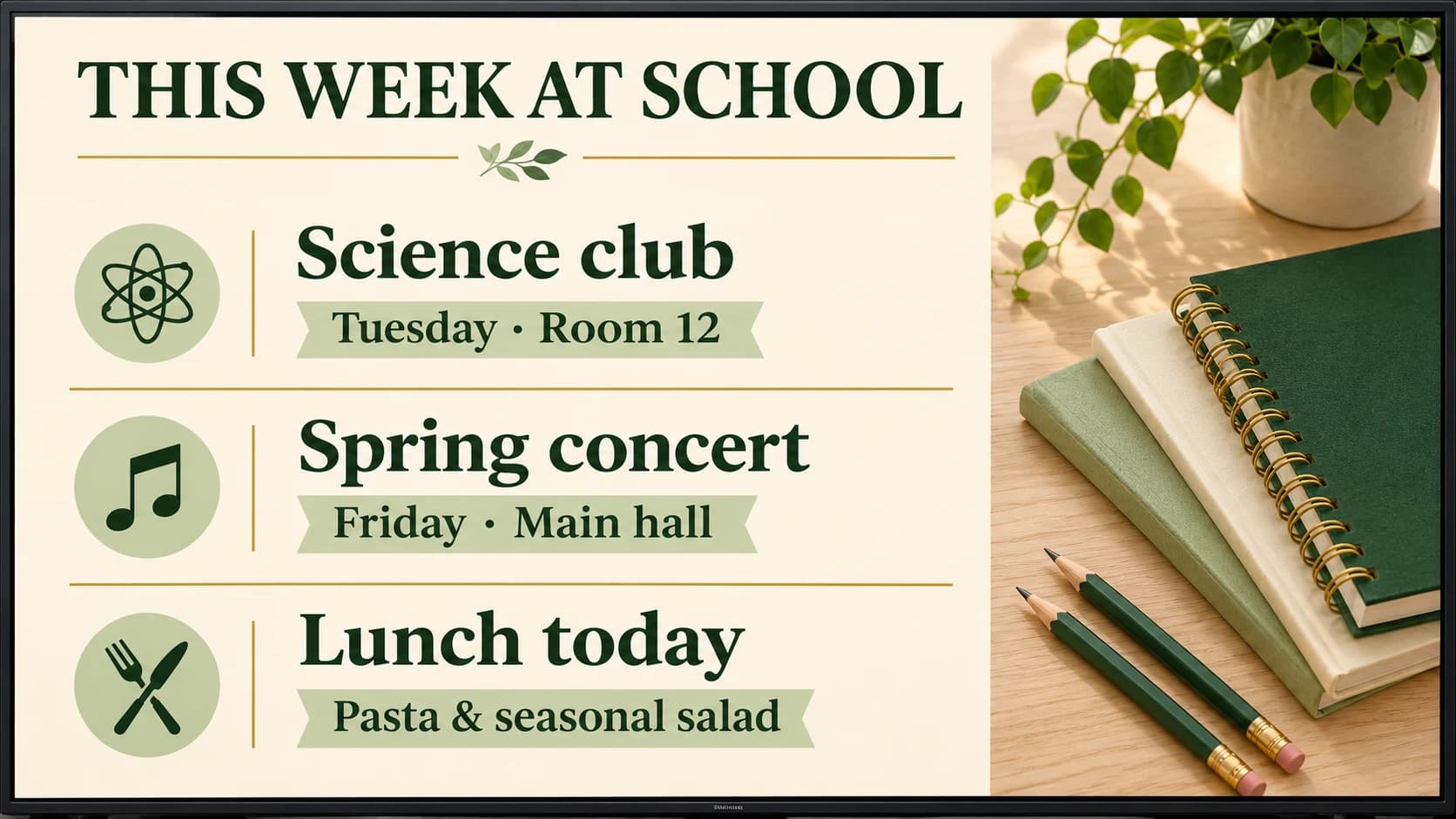
Keep announcements, events and everyday information easy to find with a simple screen in your school hallway or library.
Try For Free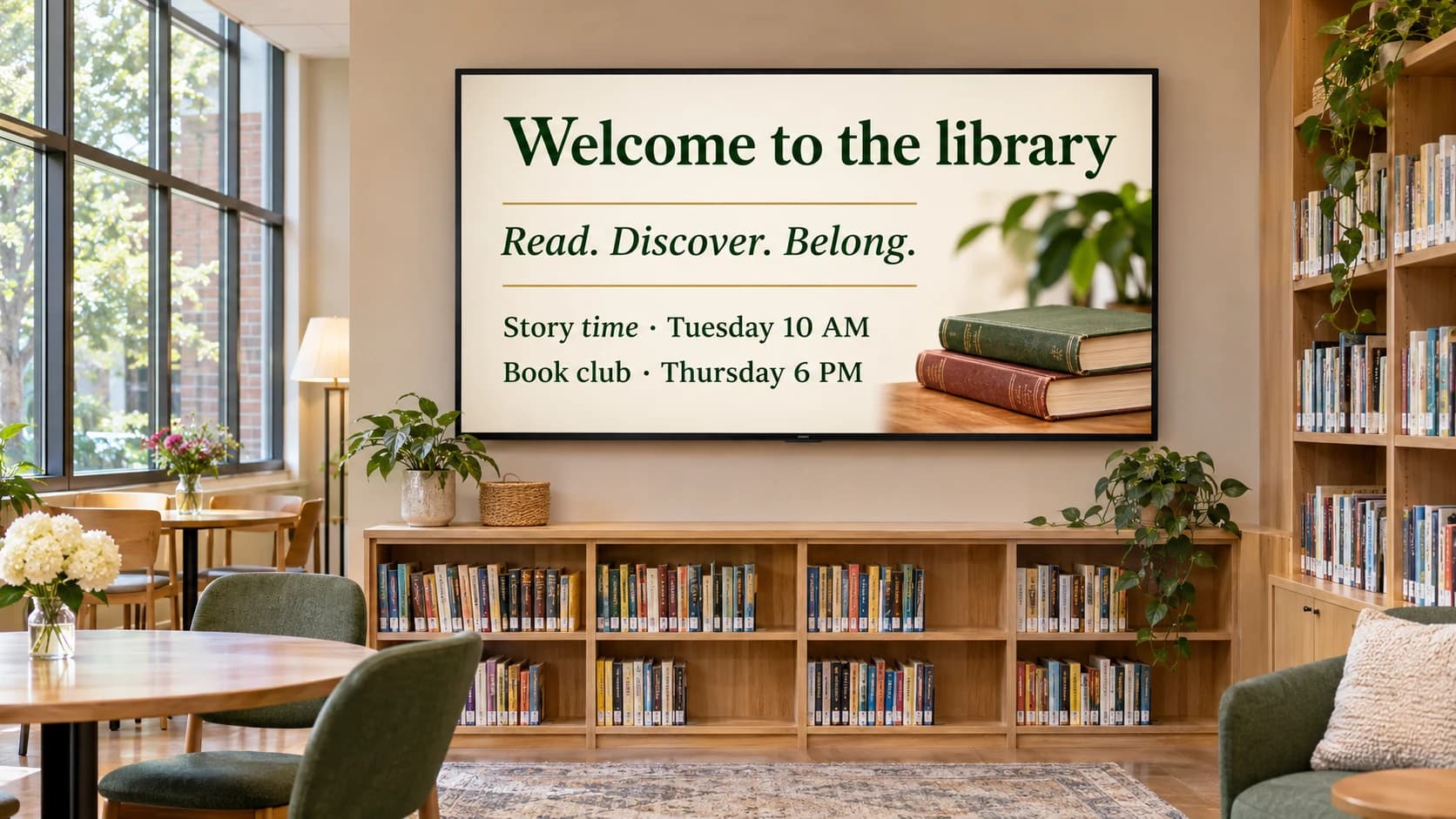
Put school news, club updates, lunch menus and helpful reminders where students and families can see them. Update your images when the details change.
Give story time, book clubs, school performances and community workshops a place to stand out. Rotate event posters in a playlist so visitors can see what’s coming up.

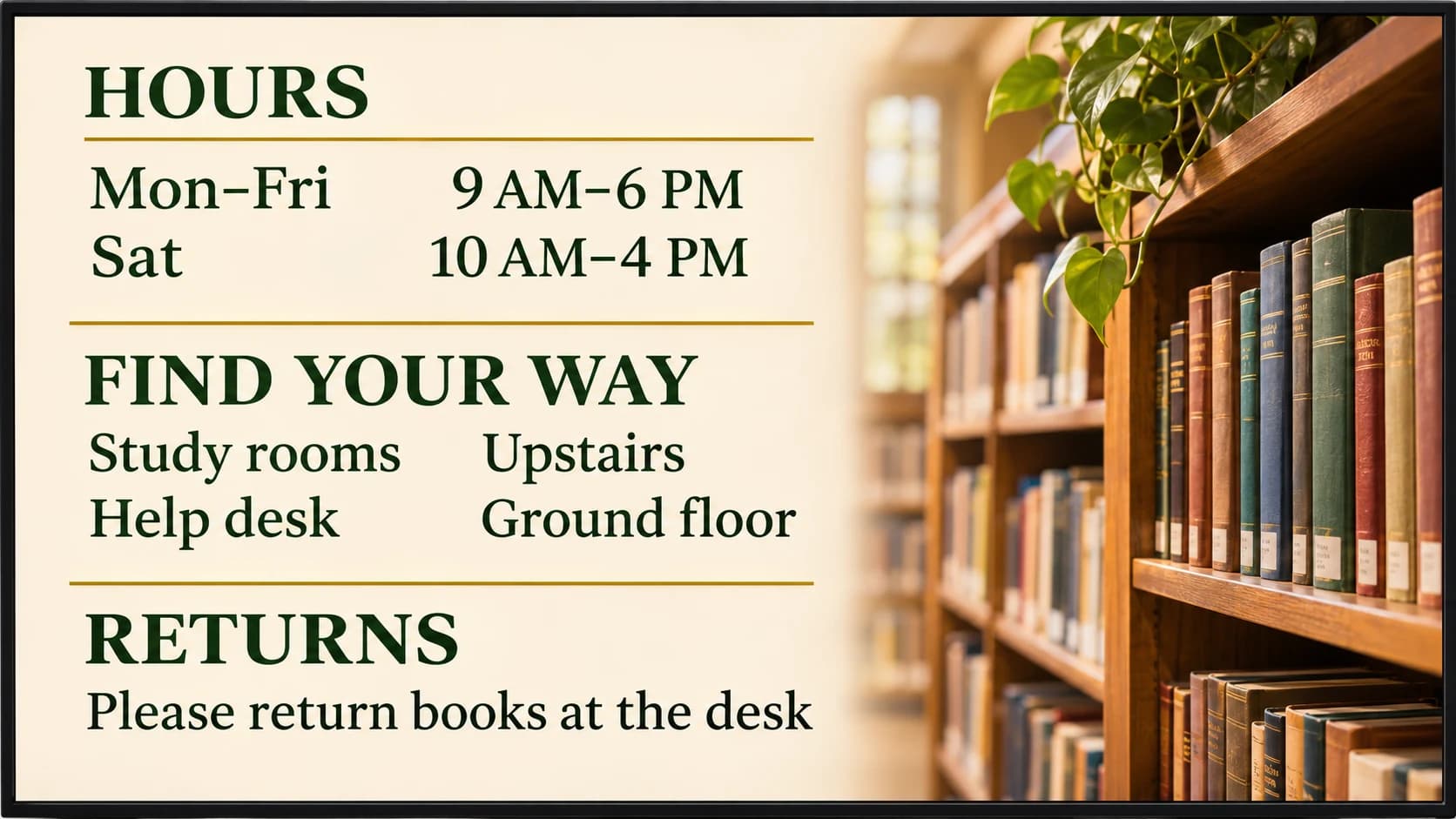
Make opening hours, room locations and borrowing reminders easy to spot. A screen near the entrance can help students, families and library visitors find their way.
Usono is $3 per screen per month. Start with one screen and add more when you need them.
A school reception area, busy hallway or library entrance is a useful place to start. Choose somewhere students, families and visitors already stop or pass through.
Upload images of announcements, lunch menus, event posters, reading recommendations, opening hours or visitor information. Use one image or arrange several in a playlist.
You need a screen with a compatible web browser, or a device connected to your TV that can run the web player. Open the player, pair your screen and choose a playlist.
Yes. Manage your images and playlists from the dashboard, so you can change announcements and visitor information without editing content at each screen.
Usono displays the images you upload and arrange in playlists. To share calendar information, upload an image of your schedule and replace it when the details change.